
Create an account and confirm your email
It only takes a few steps. Once your email address is confirmed, you’re ready to go.
Good to know: do you open Setle in your bank’s app? Then you don’t need a separate Setle account. Read how signing in through your bank works.
Create your account
Open Setle in your browser, for example via the link from your bank advisor or estate agent.
Choose Create account.
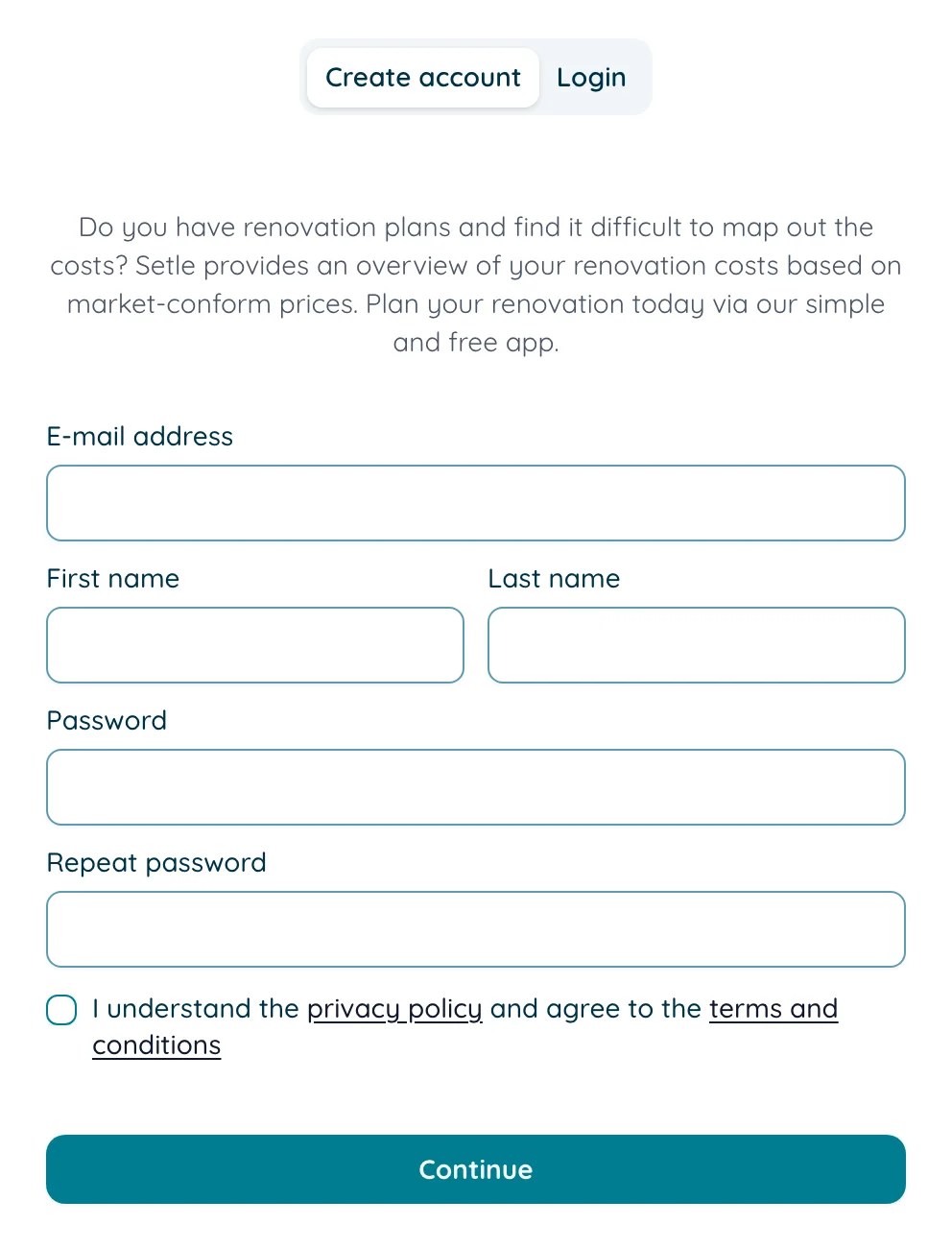
Fill in your first name, last name and email address.
Choose a password and type it again.
Tick the box to accept the terms.
Click Continue.
You’ll now see “Success! Verify your email”. Setle sends you an email with a link to activate your account.
Confirm your email address
- Open the email from Setle and click the link.
- You’ll see “Email verified. Please log in again to continue.”
- Sign in with your email address and password.
Does Setle show “Discover what your renovation costs!” after you sign in? Choose Start your renovation.
Does Setle then ask you to agree to a few documents, such as the terms and conditions? You’ll mostly see this when the terms have changed, or when someone shared a renovation with you.
- Turn on the switch for every required document (marked with *).
- Click Confirm.
Good to know: no email? Check your spam or junk folder.
Link not working?
Has the link already been used, has it expired or is it invalid? Sign in with your email address and password. If your address is already confirmed, you can carry on straight away. If not, Setle opens the Account not verified screen. Enter your email address and click Send verification email to get a new link.