
Add a property with your EPC
Using your EPC is the quickest way. Setle takes your property’s details from the certificate, so you see the EPC label and score straight away, without filling anything in yourself.
How to add your property
Go to Estates and select Add estate. The upload icon next to it takes you straight to the EPC upload.
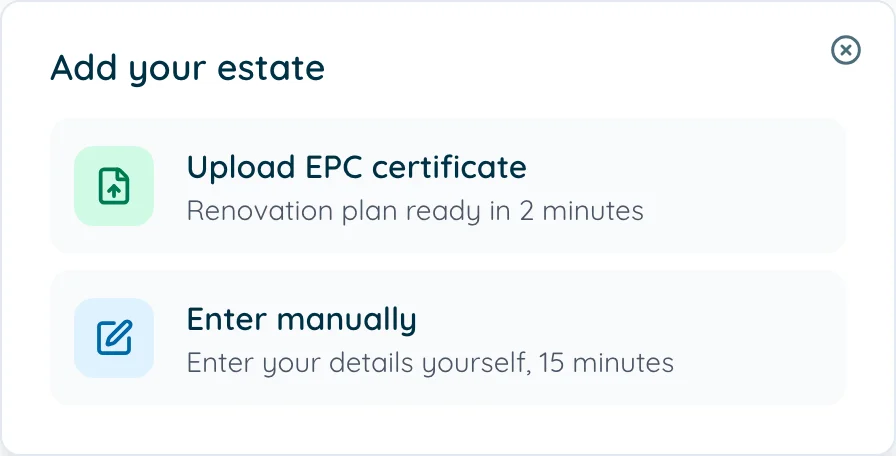
Choose Upload EPC certificate.
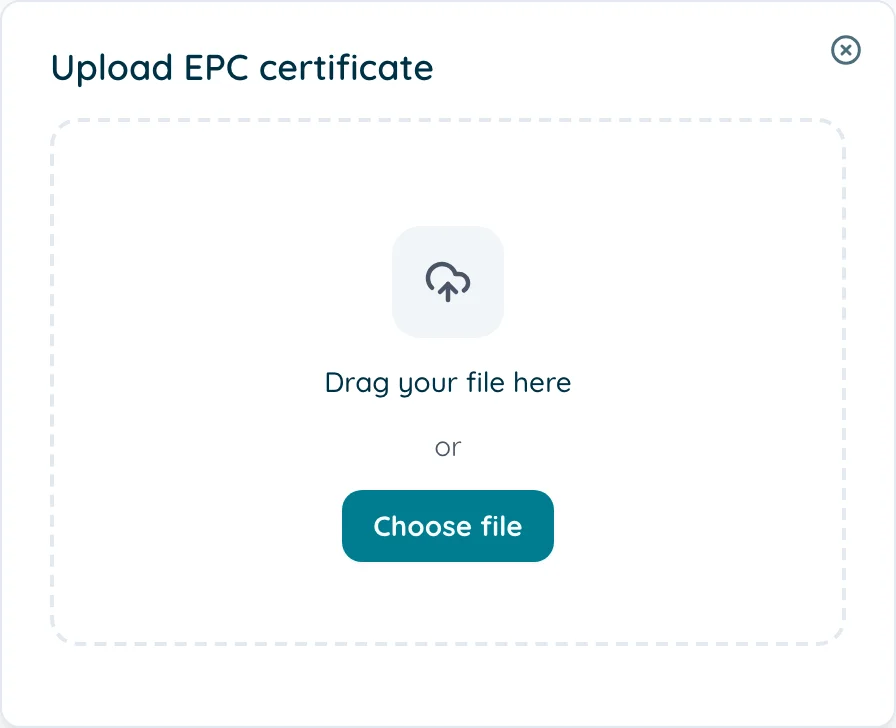
Drag your PDF onto the Drag your file here area. Or select Choose file and pick the EPC on your device.
Setle processes your document. You’ll see the message “We’re uploading and processing your document.”
Your property appears in your list, with its EPC label and score.
Setle then calculates your renovation path. This normally takes a few minutes. No result showing? Email support@setle.app.
Which EPC works?
Setle needs your property’s official EPC, as a PDF of up to 20 MB:
- a valid EPC: not expired, and issued on or after 1 January 2019
- the complete certificate, with every page
- the issued EPC, not a simulation
At the moment, Setle can’t process EPCs for apartments or non-residential buildings.
Is the property already in your list?
Are you uploading an EPC for an address that’s already in your list? Then it depends on how you added that property:
- You added the property with an EPC and didn’t change any of its details yourself. Then Setle updates the property with the new EPC. Is the EPC you’re uploading older than the previous one? Then Setle keeps the details from the most recent EPC.
- You added the property without an EPC, or you changed details yourself, for example by refining it. Then Setle can’t combine the details. You see “An estate already exists for this address, so this EPC cannot be processed. Delete the existing estate first if you want to process this EPC.”
In that second case, the choice is yours. Want to keep the property as it is? Then you don’t need to do anything. Want to continue with the new EPC instead? Delete the existing property and upload the EPC again. Note: this also deletes all its renovations and documents. Read how to delete a property.
Something went wrong?
- Seeing an error, or does your file keep loading? Read why your EPC won’t upload.
- Seeing “This document is waiting for a Setle expert.”? Then an expert is checking your EPC by hand.