
How many renovations can my organisation create?
Your organisation can create a set number of renovations each month. That number depends on your contract. All colleagues and groups share the same limit.
What counts
Every renovation created in the current month counts:
- renovations you add yourself, including copies
- the suggested plan Setle makes when you upload an EPC
- renovations you deleted afterwards
The count starts again on the 1st of every month.
See your usage
Choose your name at the bottom left.
Choose Organisation.
Under Billing, choose Usage.
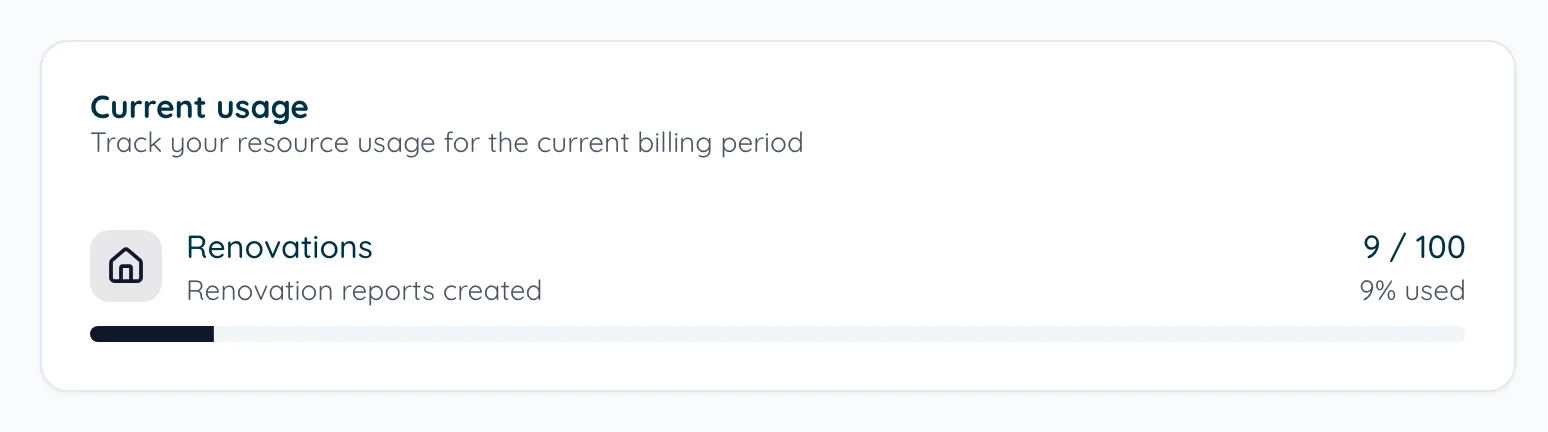
Under Current usage, you see how many renovations your organisation created this month, out of your limit. Setle doesn’t warn you before you reach the limit. Uploading many EPCs at once? Check this page first.
Limit reached
Once you reach the limit, you’ll see “Limit reached” when you upload an EPC or add a renovation. A document that was still being processed shows: “This document could not be processed because your quota has been reached.”
An Owner or Admin of your organisation can raise the limit:
- In Organisation, go to Usage, under Billing.
- Under Renovation limit, enter the new number in Current limit.
- Choose Save.
- In the Update renovation limit window, check your current and new limit and choose Save.
The Renovation limit card also shows the Billing impact warning. If you raise the limit, Setle invoices the extra renovations according to your contract. Want to change package? Then contact your account manager at Setle.
Then upload the EPC again or add your renovation.
Don’t have the Owner or Admin role? Ask a colleague who does. Do you use Setle through your bank or estate agent? Then contact them.