
Choose works in the catalogue
Available in Silver and Gold
In the Catalogue, you choose which works you want done. You go through your home step by step and see straight away roughly what the works cost.
How to choose a work
Open your renovation and go to the Catalogue tab.
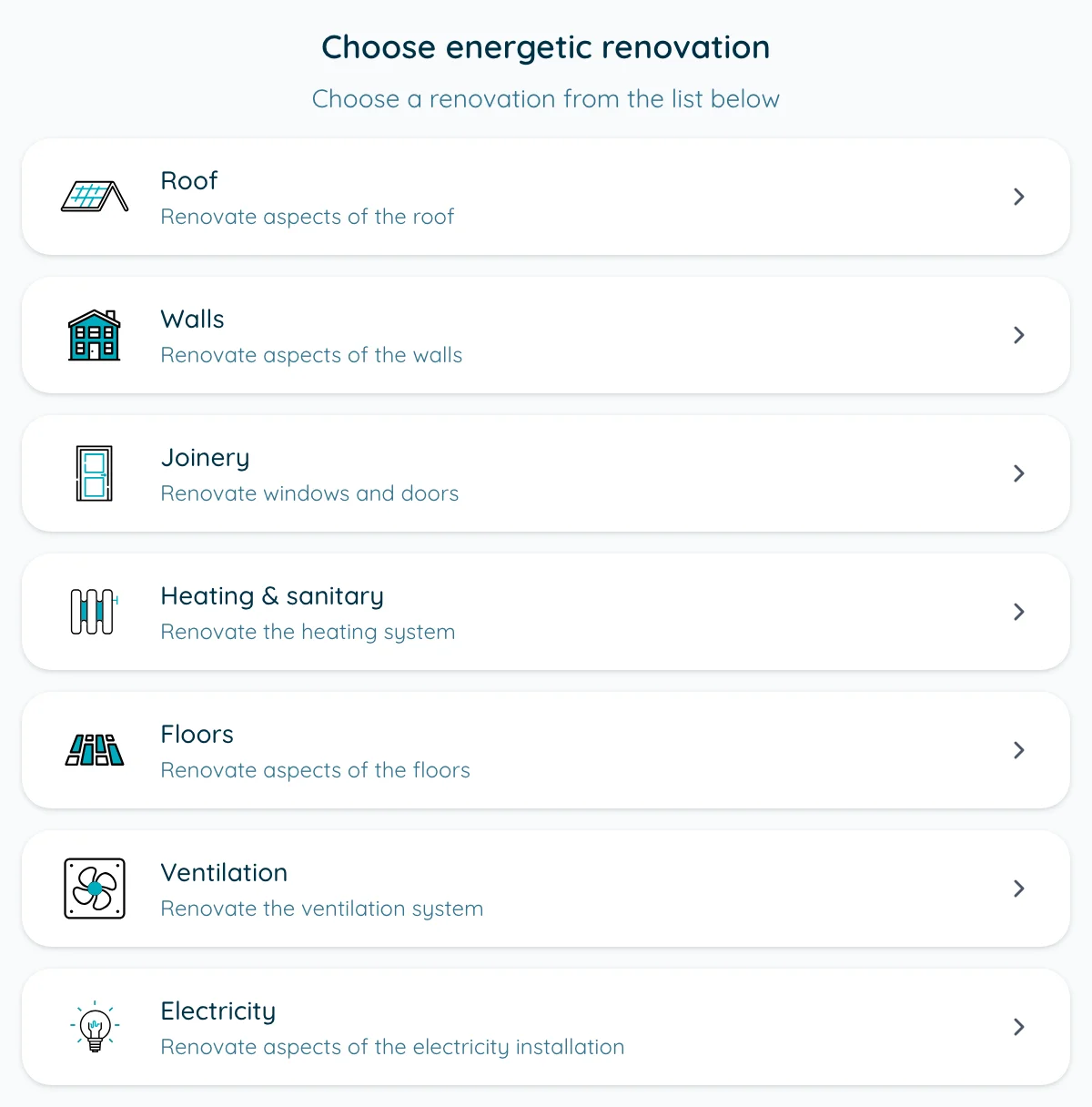
Choose a part under Choose energetic renovation or Choose aesthetic renovation.
Answer the questions. Choose Next to move forward. Use Previous to go back.
Check the summary and choose Done. You return to your plan.
The aesthetic section, with the rooms, is not available with every bank or agency. The same goes for Roof tiles, Facade cladding, Interior doors and Renew the floor finishing.
What you choose per part
- Roof: Insulation, Skylights or Roof tiles. For insulation, you choose Insulate from inside, Insulate from outside or Don’t insulate.
- Walls: Insulation or Facade cladding. Doesn’t Setle know yet whether your walls have a cavity? Then you first get a question about the cavity. After that, you choose cavity wall insulation, outer wall insulation or inner wall insulation.
- Joinery: Windows, Exterior doors or Interior doors. For windows, you choose Full window replacement or Glass-only replacement, then the glazing.
- Heating & sanitary: Heating system, Domestic hot water or Both in a single heating system. Then you choose a heat pump, a condensing boiler or No change.
- Floors: Insulation, Add underfloor heating or Renew the floor finishing.
- Ventilation: system C+, system D+ or Keep current ventilation system. Setle only shows upgrades. With C+, a flow rate measurement is added, with its own price.
- Electricity: Full renewal of the electrical installation or A specific part, such as a new electrical box, solar panels, a home battery or a charging station.
- Add a room: you enter the type, name, floor, area and ceiling height. For each room you then choose the floor, wall and ceiling finishing, among other things.
All at once or one by one
By default, you make one choice for a whole group, for example all your pitched roofs. Want to set up each part separately? Choose, for example:
- Configure each roof individually
- Configure each wall individually
- More options, for windows and doors
Anything already in your plan is marked “Currently in your renovation”. Picking something else? Confirm it with Replace choice.
The summary
At the end you see “These changes were added to your plan”. For each work you see a price range for Material & labour, VAT and Total. Choose Add another renovation to keep building your plan.
The prices are estimates based on market averages. Read why a quote can differ.