
Download or email your renovation report
Your renovation report is a PDF that you can download in 2 places: inside the renovation itself and on your property. You email it from inside the renovation.
Download from the Results tab
Open the renovation and go to the Results tab.
Select Download renovation report.
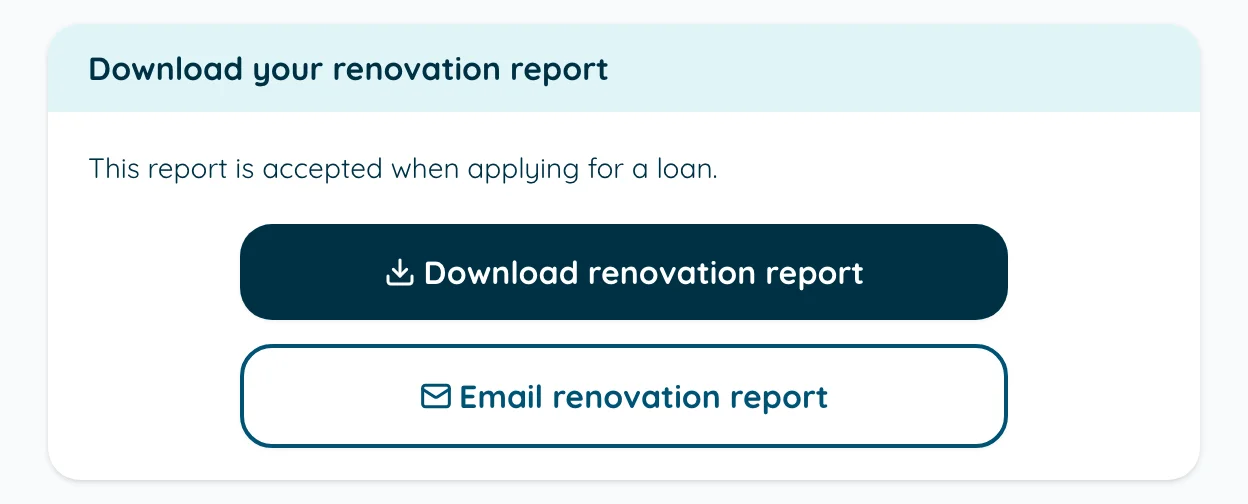
After a short wait, your browser saves or opens the PDF.
Download from your property
- Open your property.
- Under Your renovations, open the ⋮ menu next to the renovation.
- Select Download report.
Email the report
Go to the Results tab of the renovation.
Select Email renovation report.
Enter the email address.
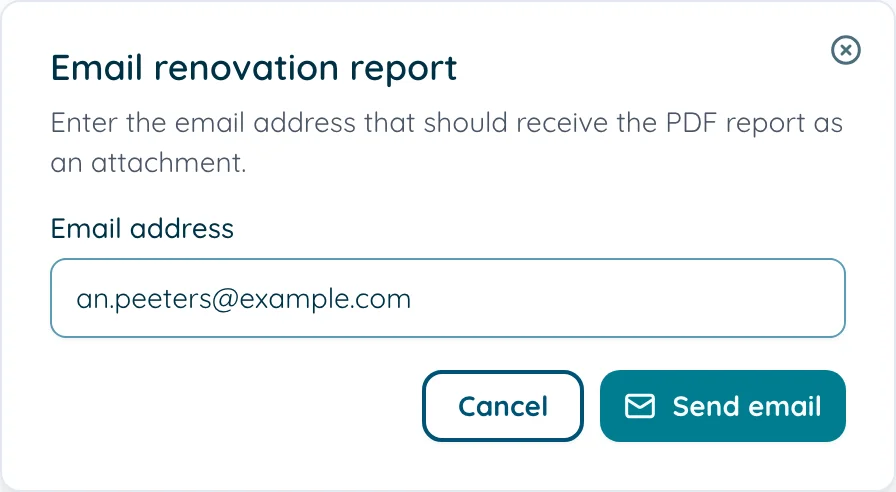
Select Send email.
You’ll see the message “The renovation report was sent.” This also lets you send the report to someone else, such as your partner or your contractor.
In your bank’s app
Do you use Setle inside your bank’s app? Then the PDF opens in that app’s own viewer or browser.